TodoPal.
Designing a productivity extension that helps users plan, focus and get things done without leaving their browser.
In 2024, I worked with a freelance client to design TodoPal, a productivity browser extension that combines task management and Pomodoro-based focus sessions.
What started as a simple to-do list and timer evolved into a complete productivity ecosystem with projects, workspaces, task history and planning tools.
The challenge was organizing these capabilities within the limited space of a browser extension while keeping the experience lightweight and easy to navigate.
- Students
- Freelancers
- Remote Teams
The original request grew into something larger.
During discussions, we explored how users often switch between multiple tools to manage work — losing focus and context with every jump.
The client wanted to bring these experiences together inside a browser extension, allowing users to manage tasks and maintain focus without disrupting their workflow.
Six capability clusters, one product surface.
Six capability clusters working together as one productivity platform.
- Create tasks
- Edit tasks
- Complete tasks
- Prioritize work
- Upcoming tasks
- Filters
- Sorting
- Organize work
- Context management
- Pomodoro
- Work sessions
- Breaks
- Onboarding
- Authentication
- Profiles
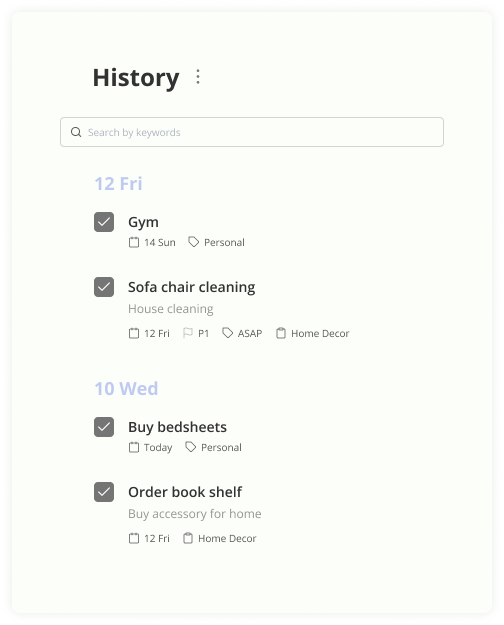
- Completed tasks
- Recovery
Designing within a constrained environment.
- 1Growing Feature Set↓
- 2Limited Screen Space↓
- 3Need For Clear Structure↓
- 4Simple Navigation System
From low fidelity flows to a finished system.
Wireframes
I began by creating wireframes to validate the overall structure and flows with the client.
- ✓Align on navigation
- ✓Validate task workflows
- ✓Review feature placement
- ✓Refine requirements before visual design
Design system & high fidelity designs
Quick capture, clear prioritization, focused workspace.
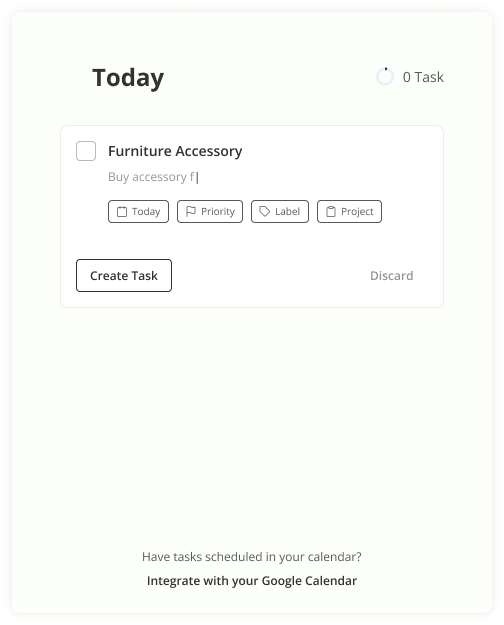
The core experience focused on helping users quickly capture and manage tasks. The Today view acted as the primary workspace, surfacing active work and immediate priorities.
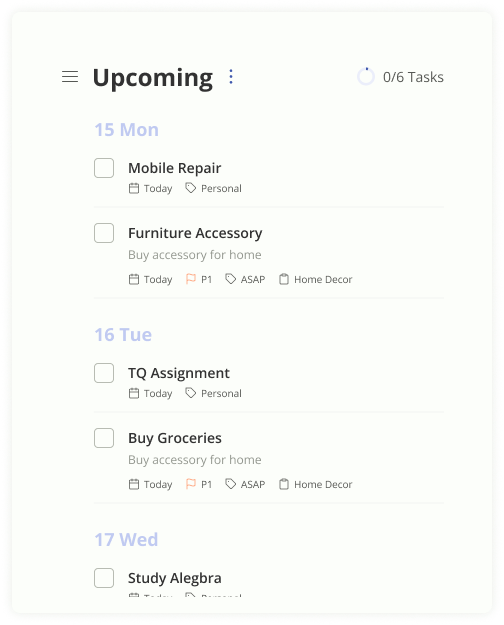
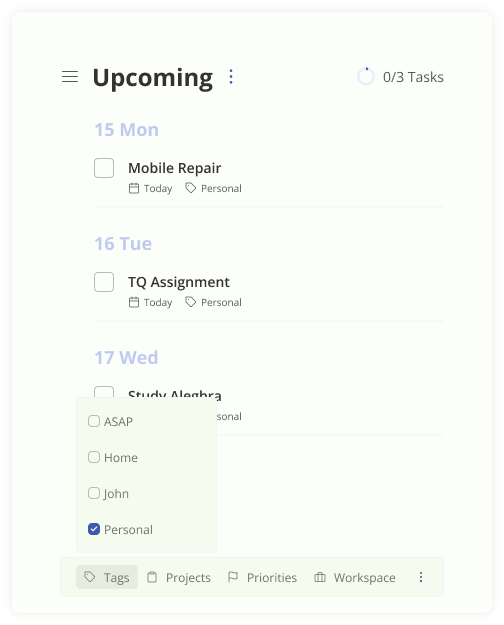
Today's focus, balanced with what's coming next.
Beyond managing today's work, users needed visibility into upcoming responsibilities — with filters and sorting to keep longer-term planning lightweight.
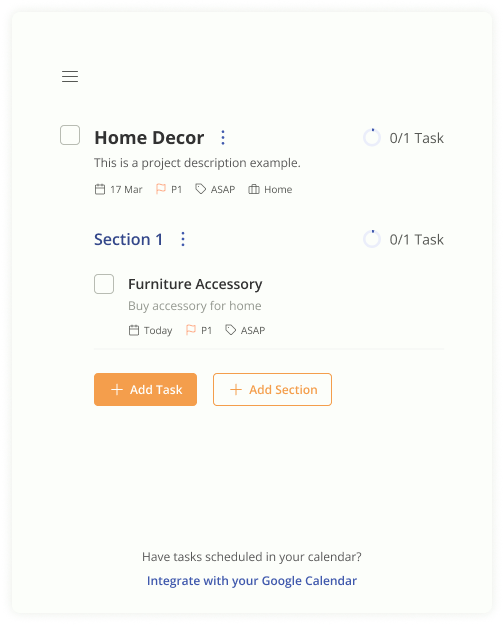
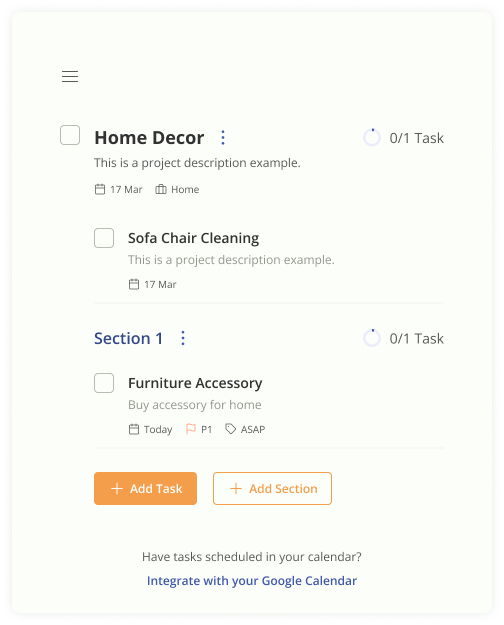
Projects group the work. Workspaces frame the context.
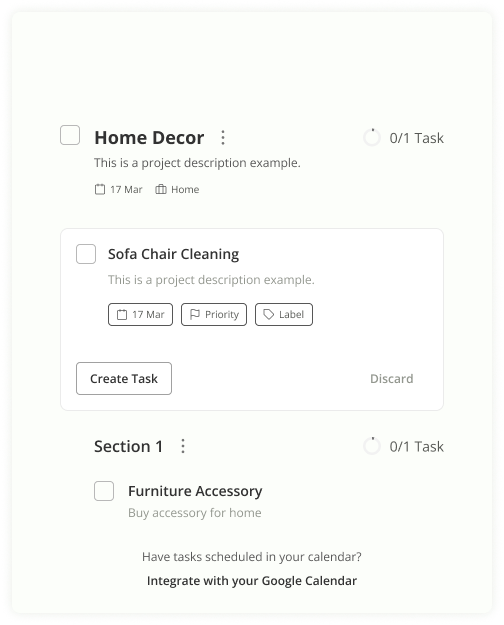
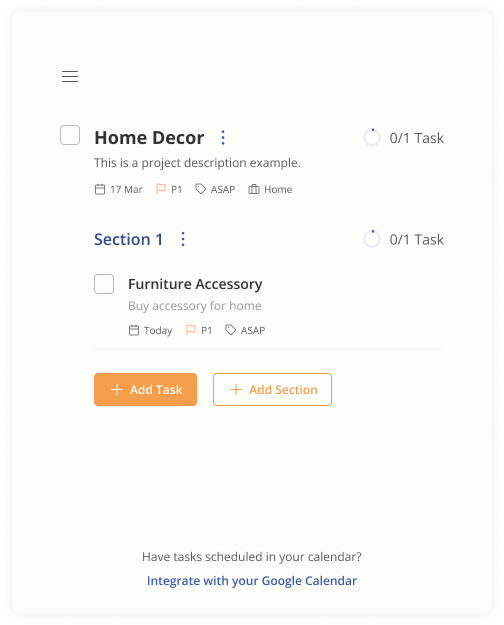
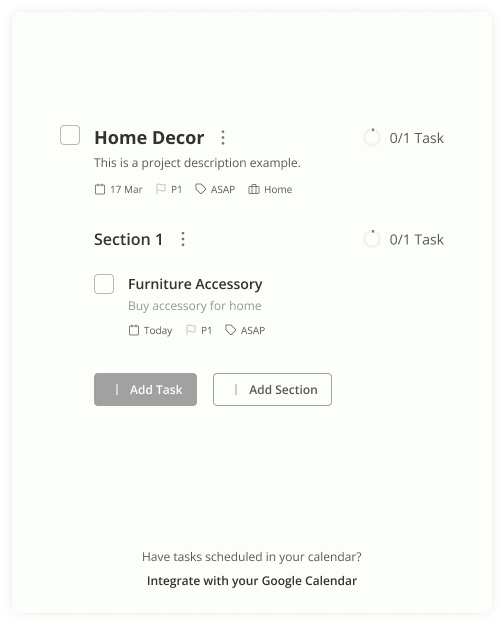
Projects let users group related tasks with descriptions, due dates, priorities and labels — and create new tasks inline.
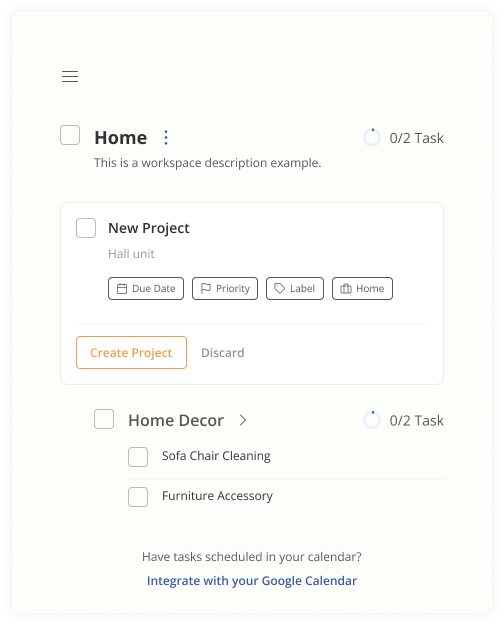
Workspaces frame higher-level contexts — Home, Client, Side project — and nest the projects and tasks underneath.
From planning the work to actually doing it — in the same surface.
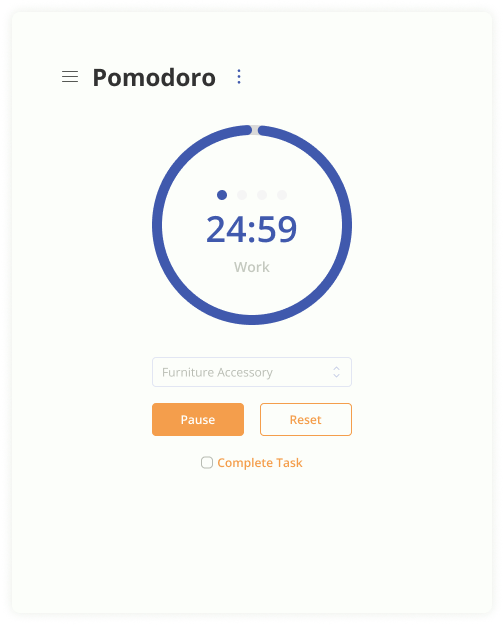
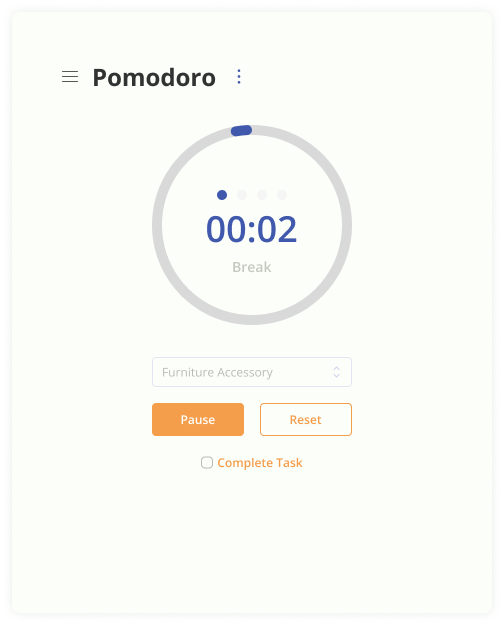
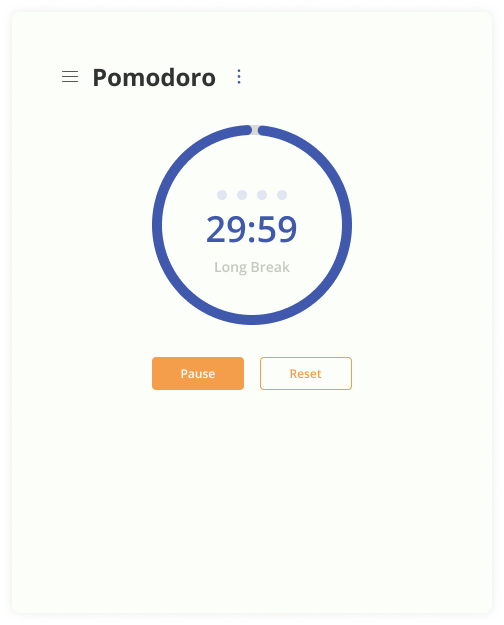
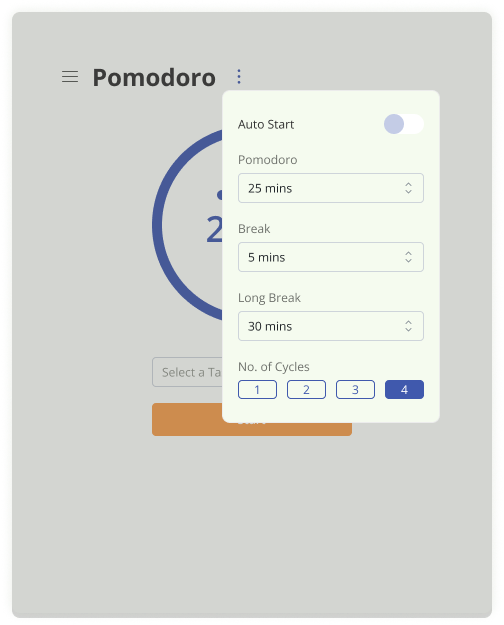
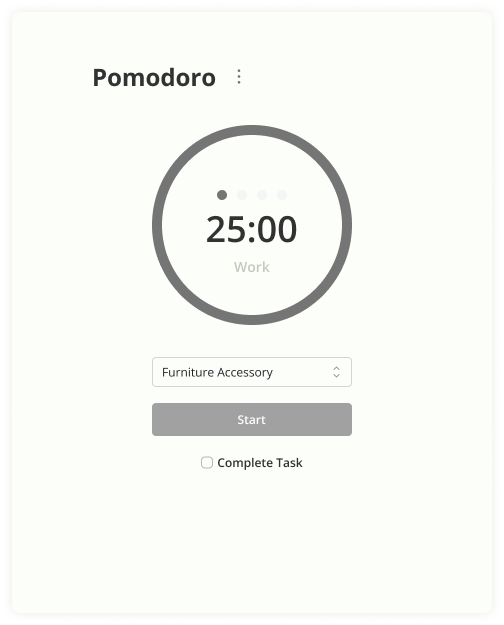
Rather than treating the timer as a separate tool, it was integrated into the productivity workflow — users could move from planning tasks to focusing on them without leaving the extension.
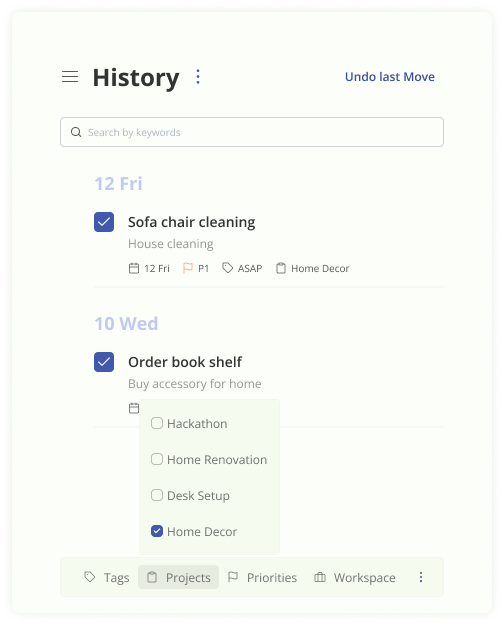
One system, two moods.
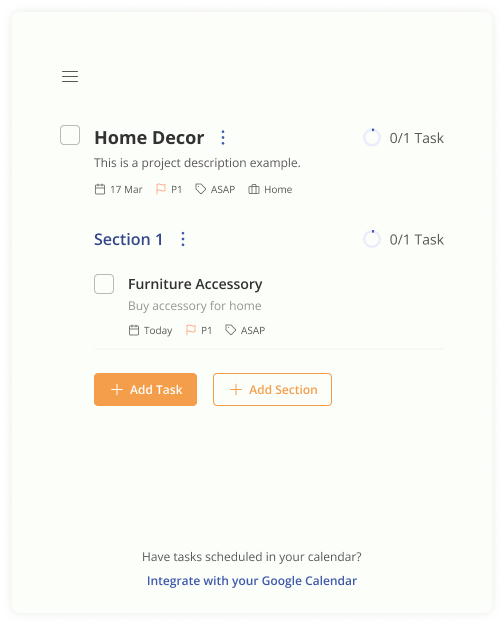
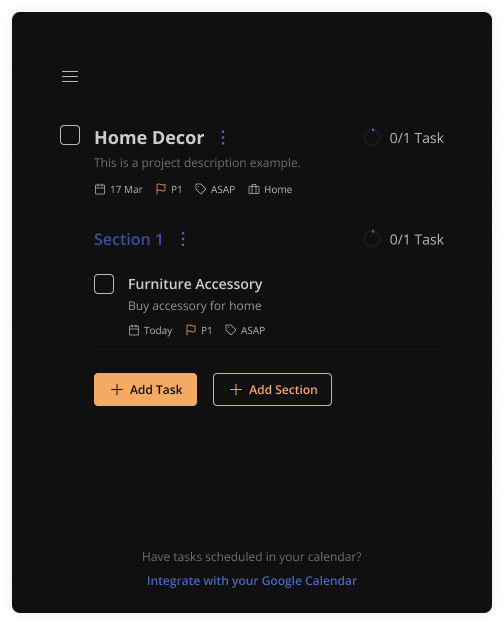
The interface was adapted to maintain consistency across themes while preserving hierarchy, readability and usability.
Live in Figma, in conversation with the client.
The client had access to the Figma file throughout the engagement. Feedback flowed through comments and weekly review sessions, letting us refine screens, align on requirements and evolve the product as new ideas emerged.
Love the Today layout — can we make the Pomodoro feel more like part of the task list rather than a separate tool?
Merging them — focus card now lives inline under the active task. Will share an updated frame today.
Workspaces are key for our power users. Let's promote them in the sidebar.
Promoted to top-level nav with a quick switcher. Three explorations attached for the switcher pattern.
A complete productivity extension, shipped.
What I learned.
This project reinforced the importance of structuring information within constrained environments.
Although the initial request focused on task management and Pomodoro sessions, the product evolved into a broader productivity experience. Designing within the limitations of a browser extension required careful prioritization, clear navigation and thoughtful organization of features.
It was also a valuable exercise in translating evolving stakeholder ideas into a cohesive user experience while working within a short timeline.
“Good product design isn't about adding more features. It's about helping users access the right ones at the right time.”